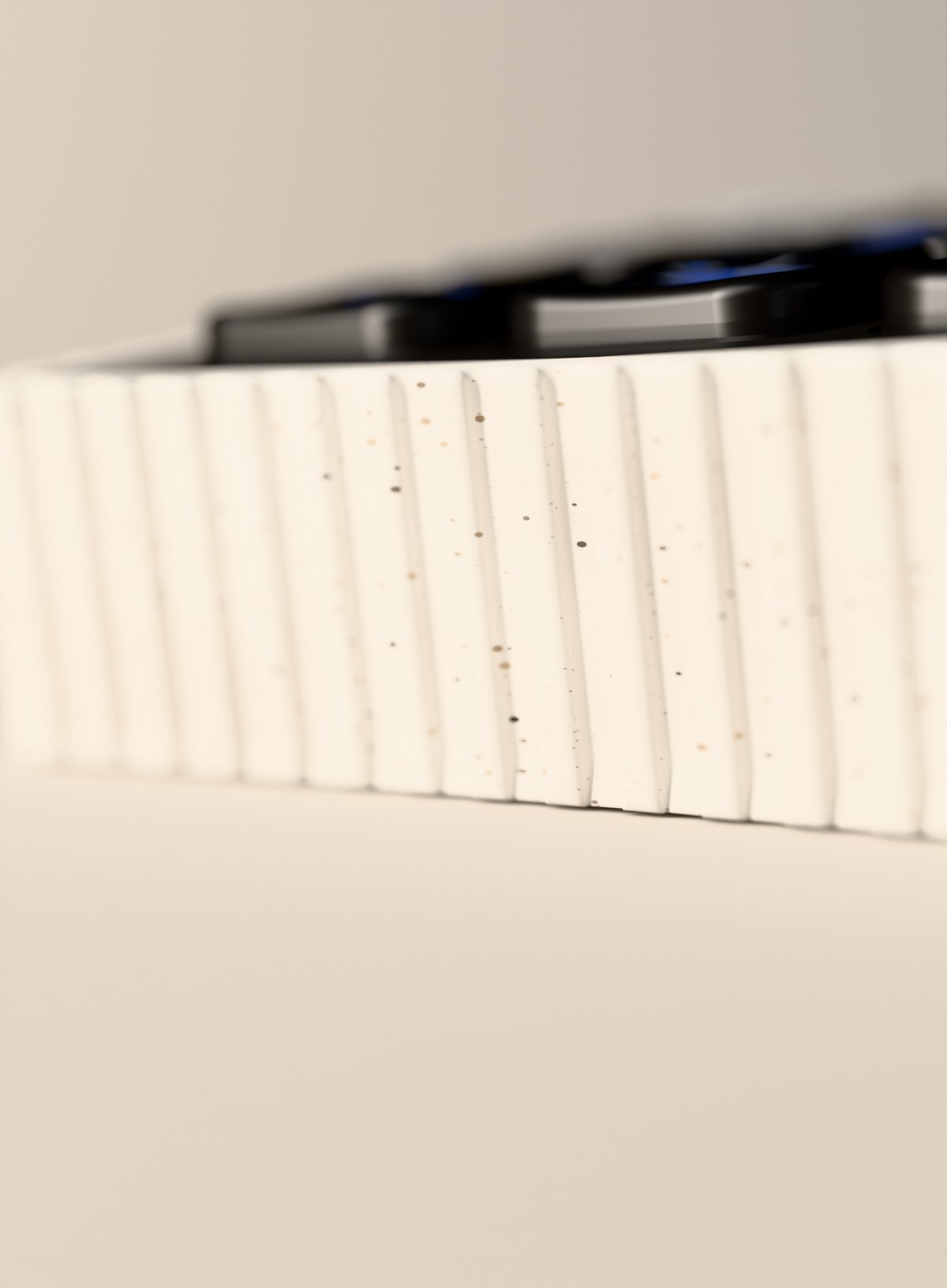
 Marble PLA
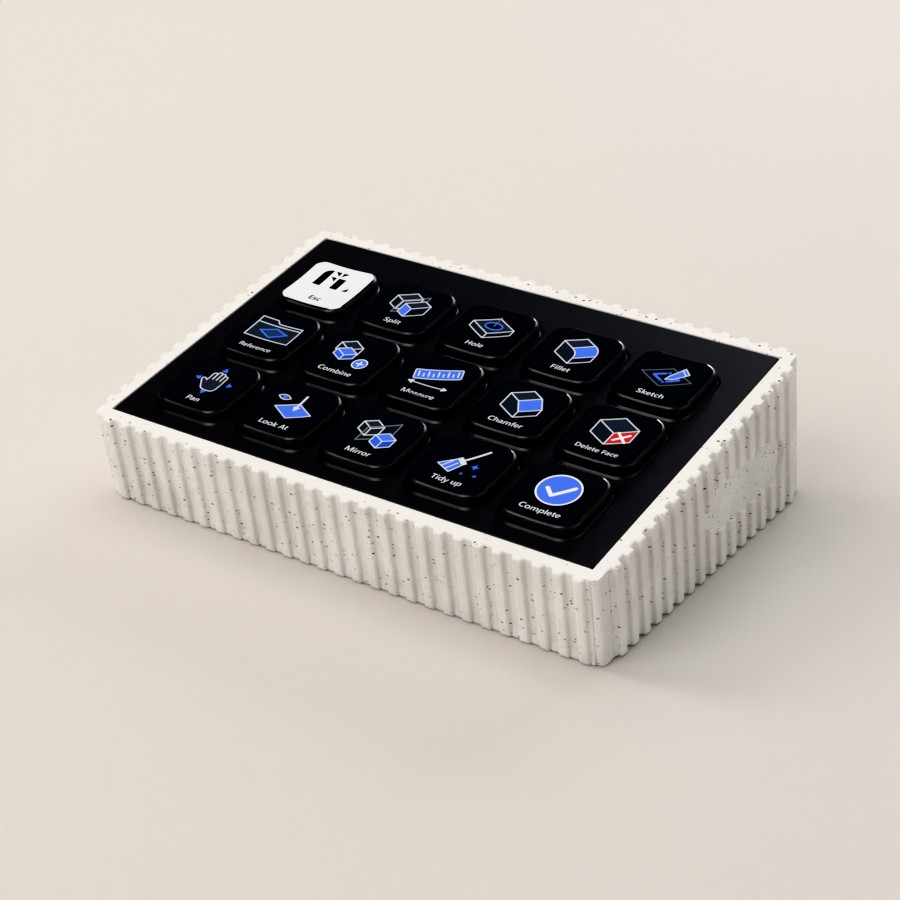
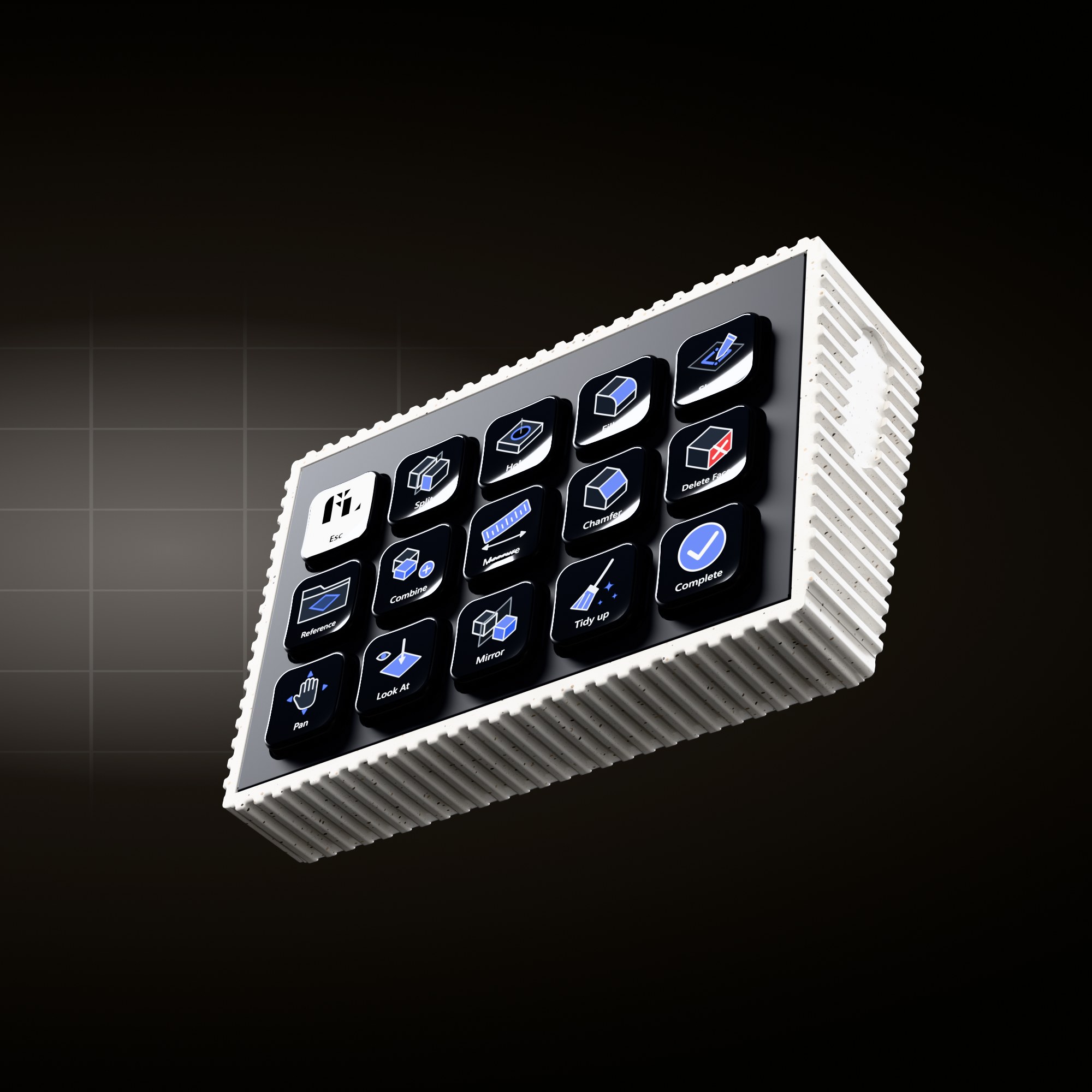
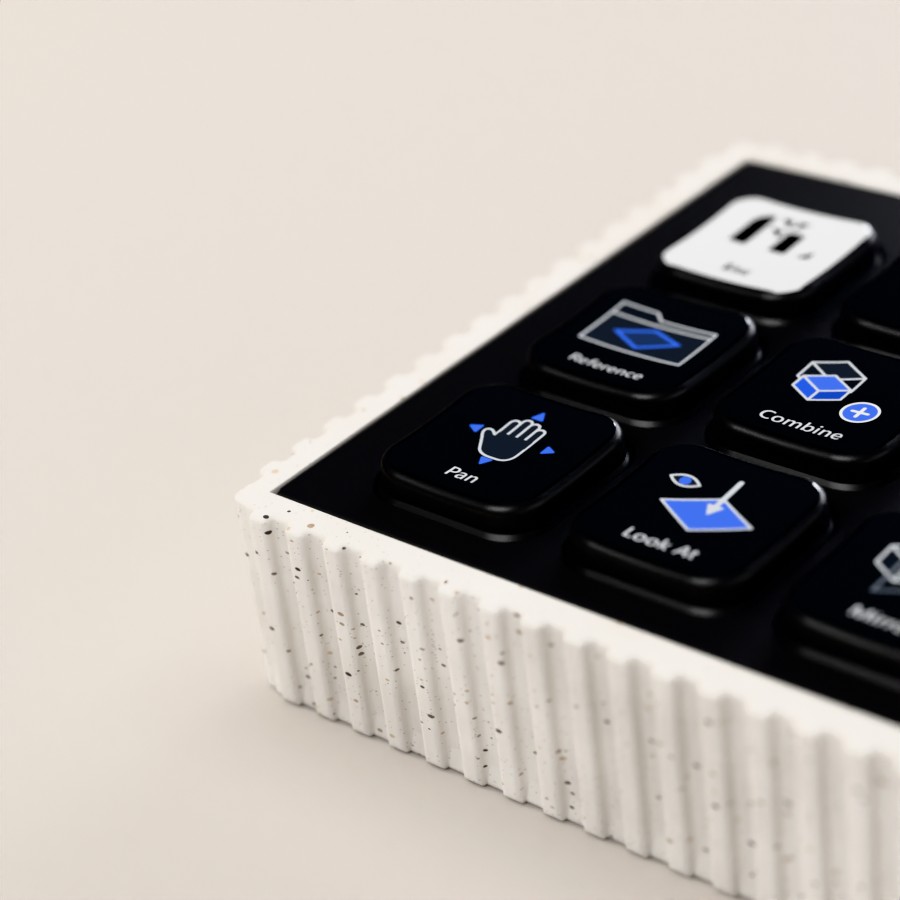
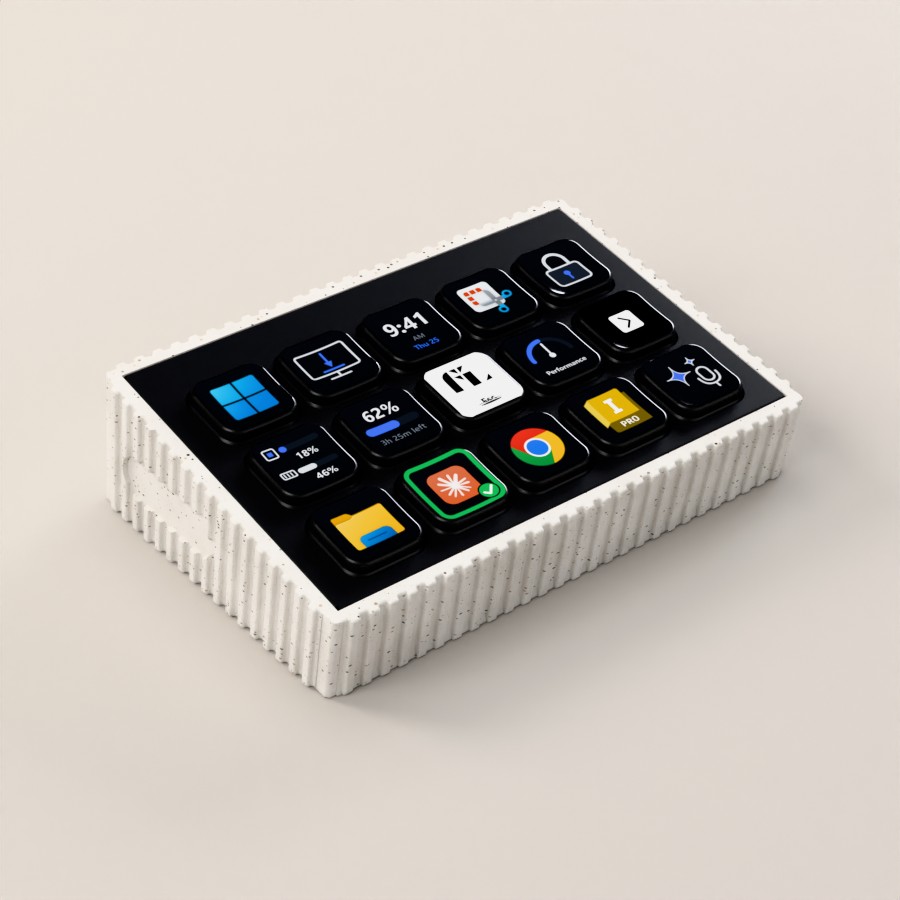
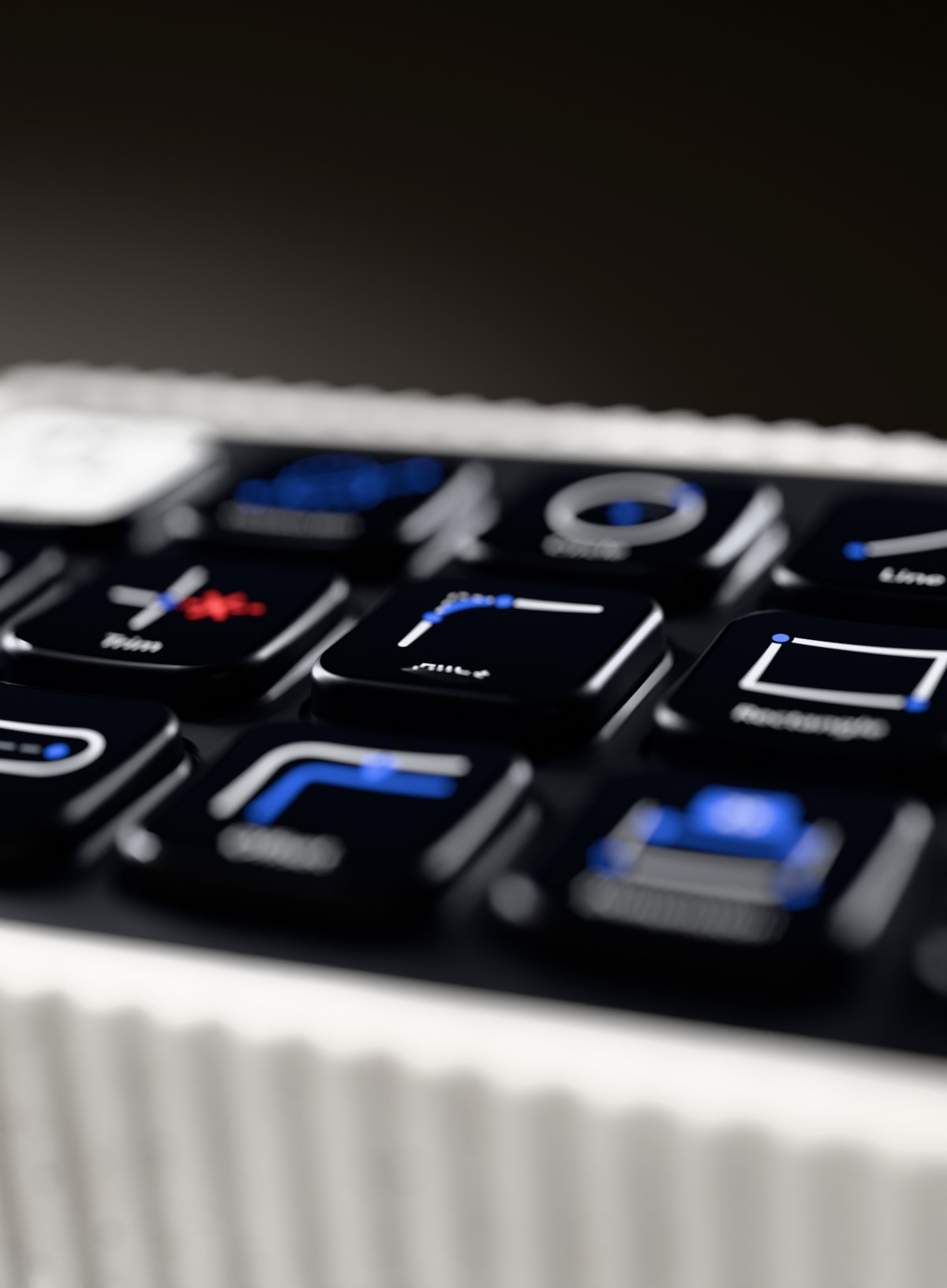
When the right command is already under your finger, you stay in the model. FixtureLabs Keyboard follows you from sketch to part to drawing and brings the tools to you, so you spend less time hunting through the ribbon and more time designing.
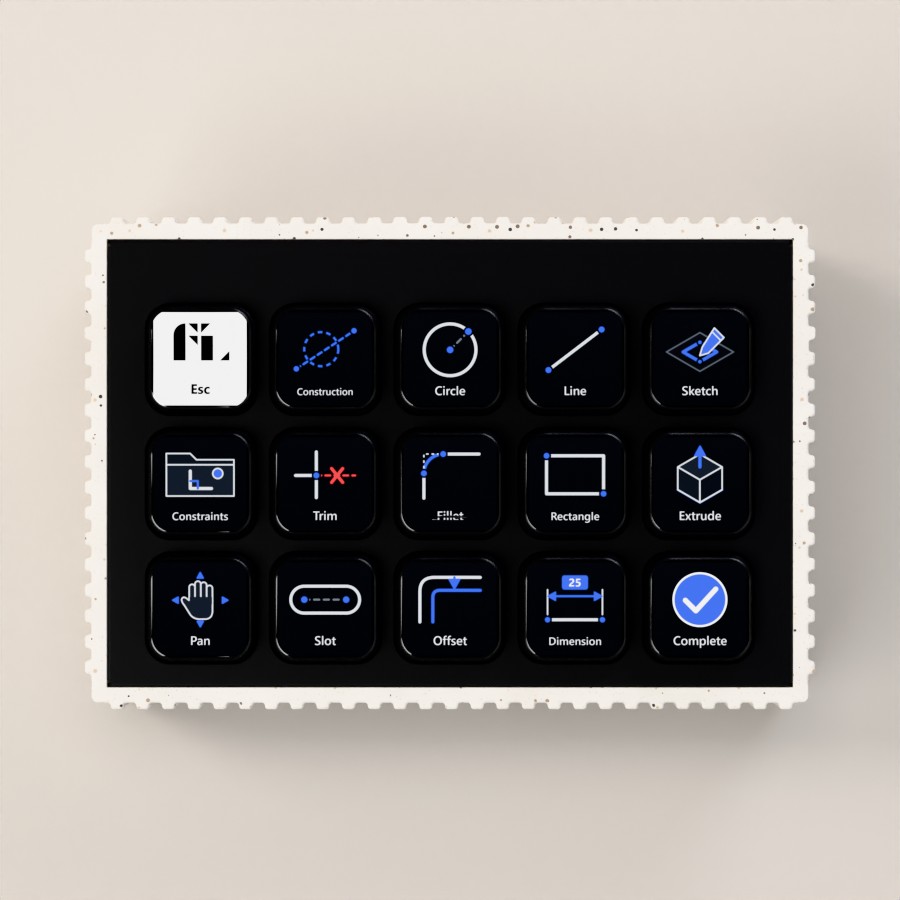
Extrude
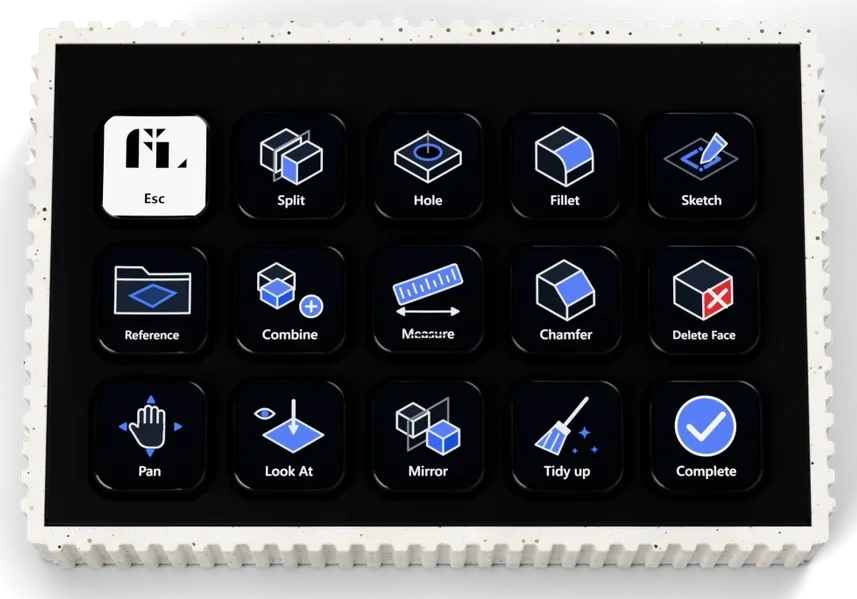
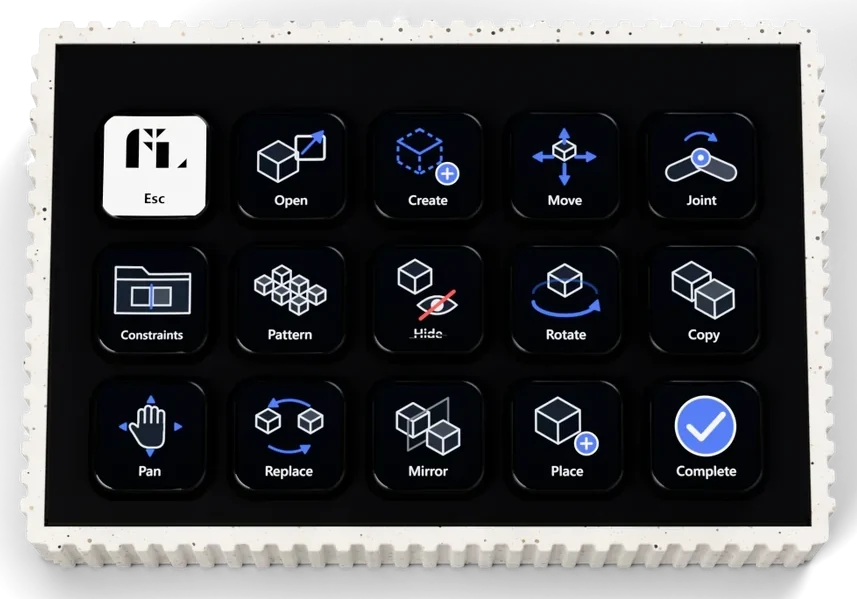
It knows where you are.
No pages to flip. No profiles to pick. Just the right fifteen commands, every time.
1 of 5Scroll
Environment Sketch
- Ribbon
- Keys
- Model
The usual way
Up to the ribbon. Find the tab. Find the tool. Back down to the model.
With the keyboard
Now the tools come to you.
The result
One press. Your eyes never left the model.
Scroll
Designed to disappear. Into the way you work.
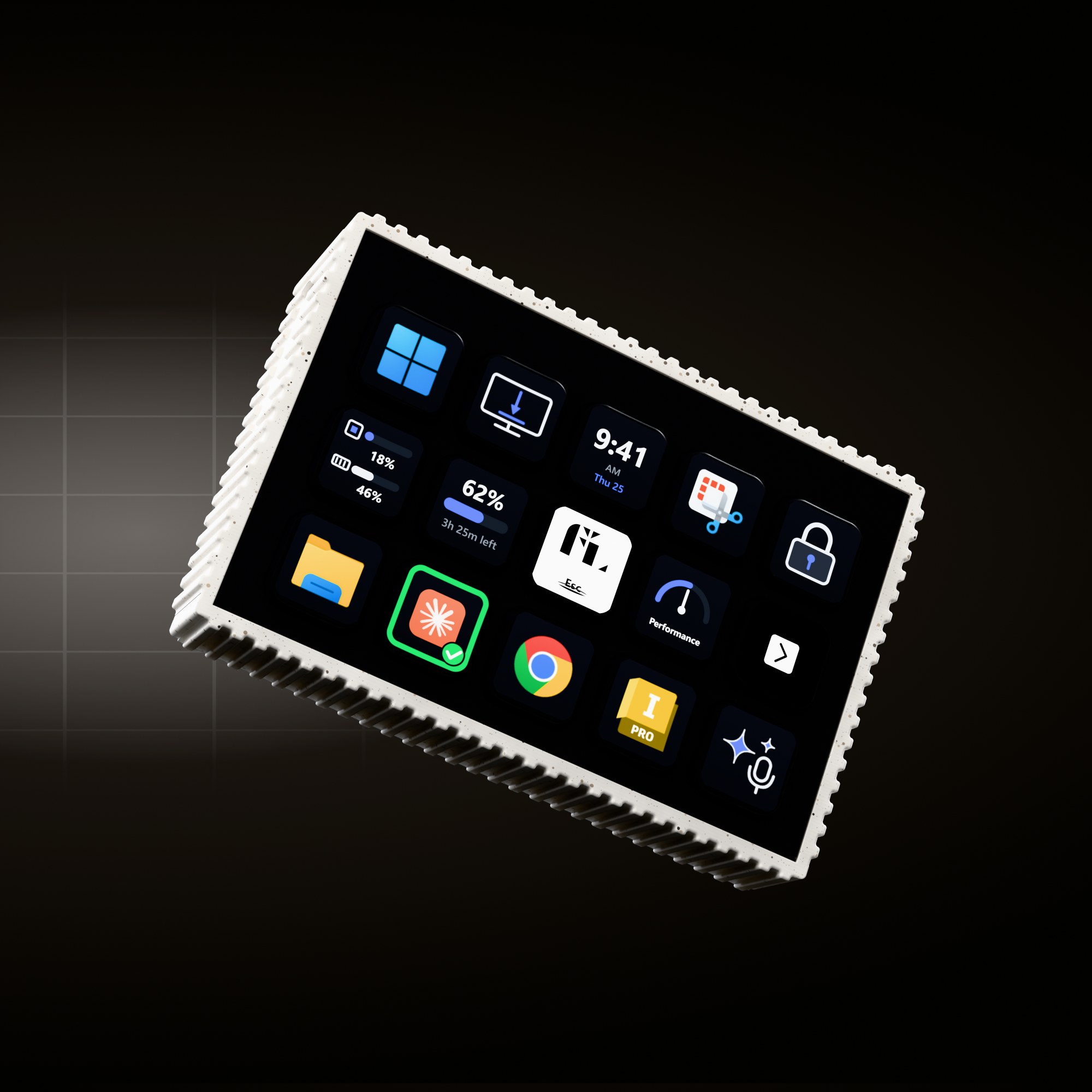
Fifteen live keys in a marble body, angled toward your hand.
Marble PLA
 15 LCD keys
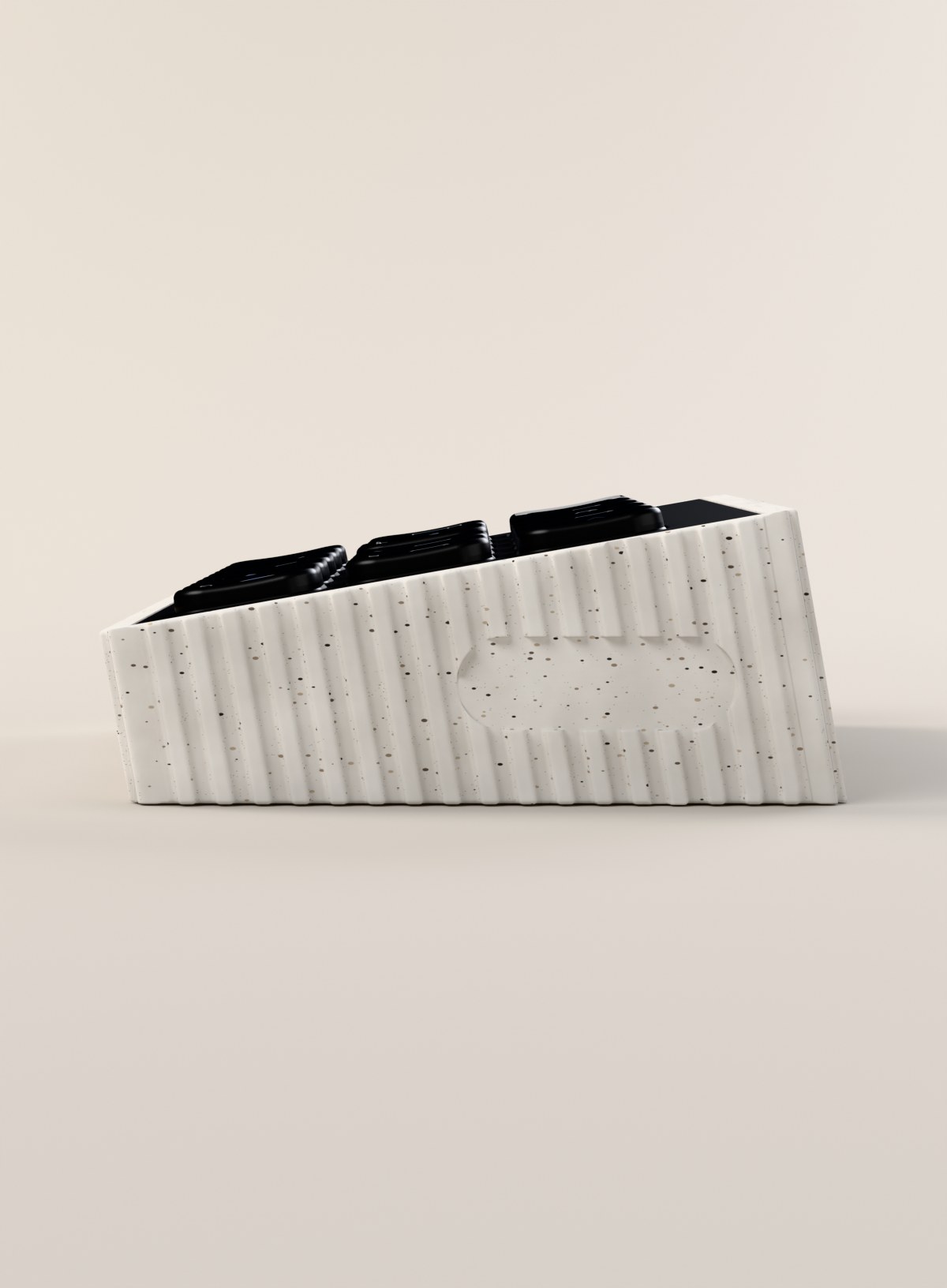 10° angle
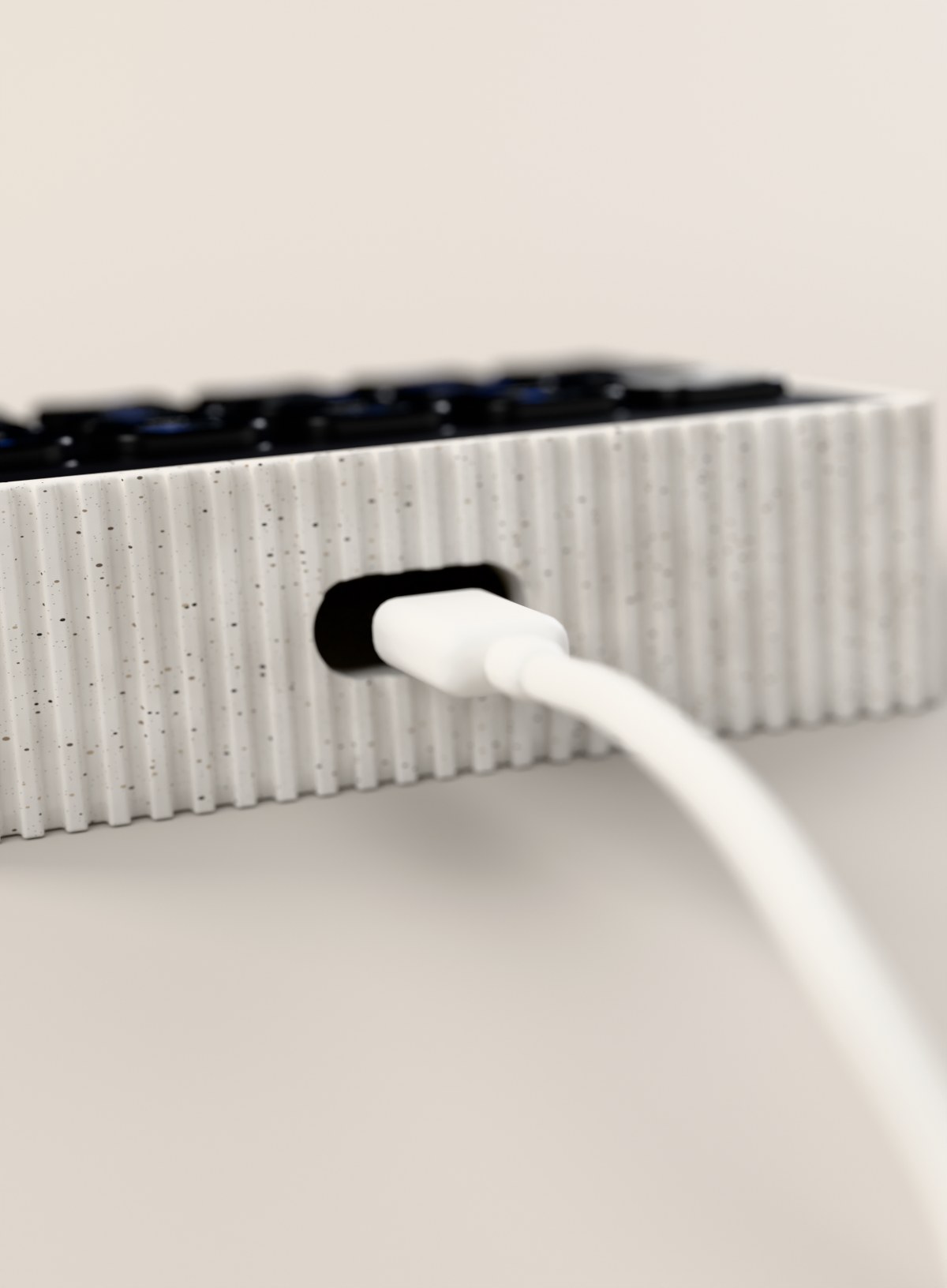 One cable
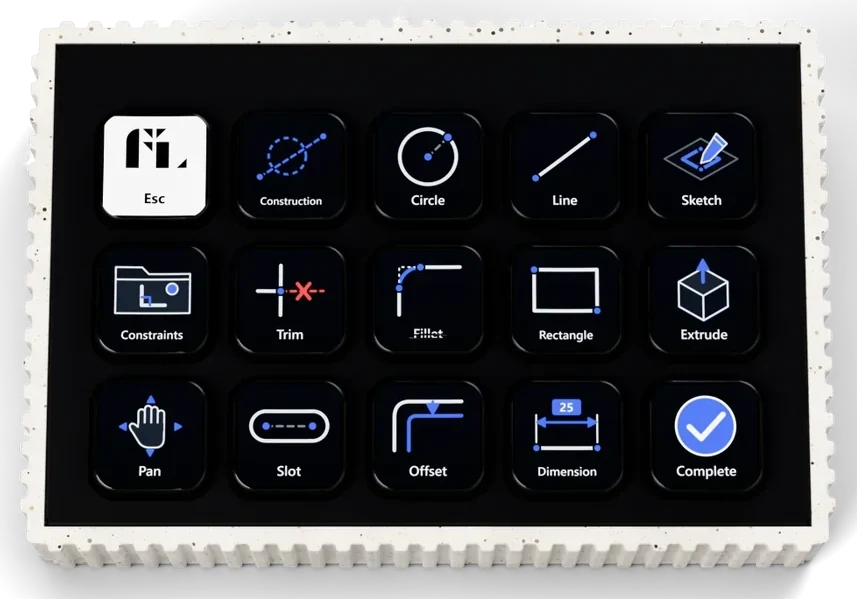
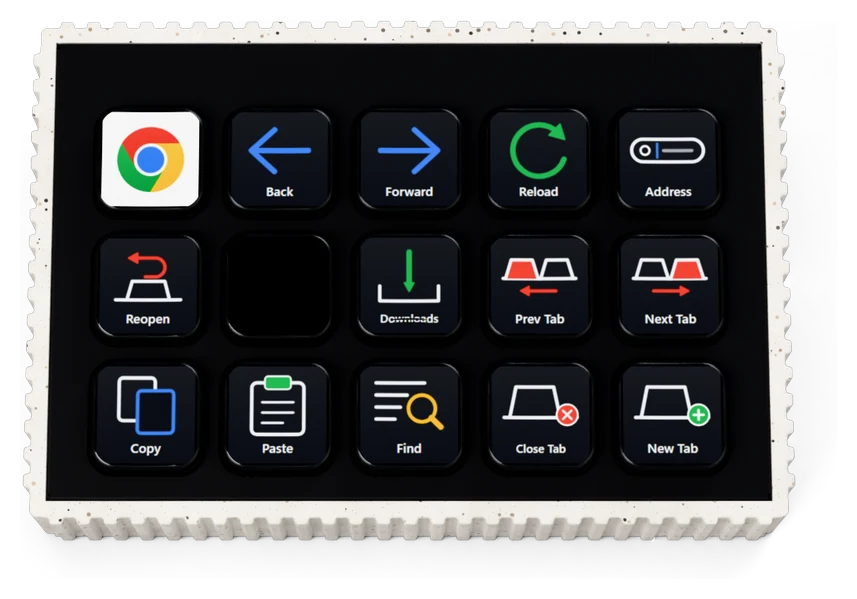
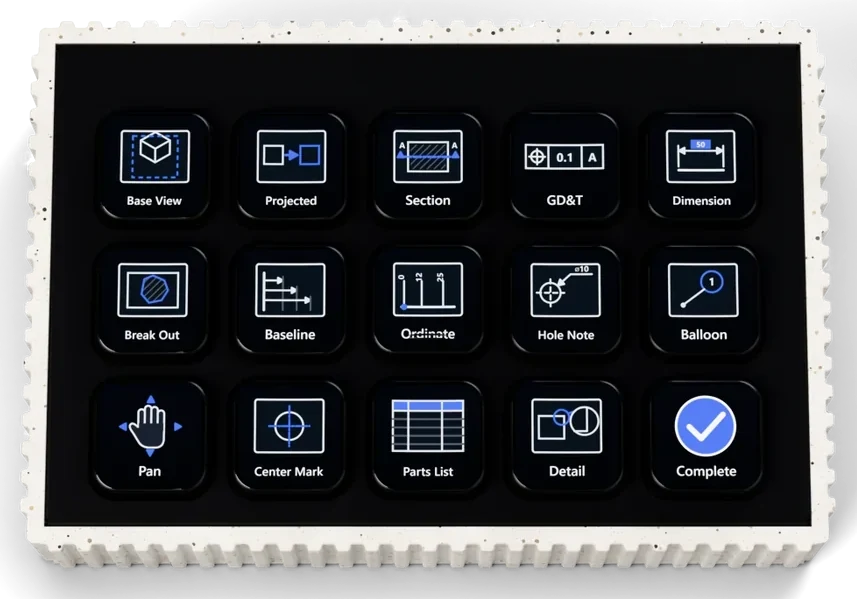
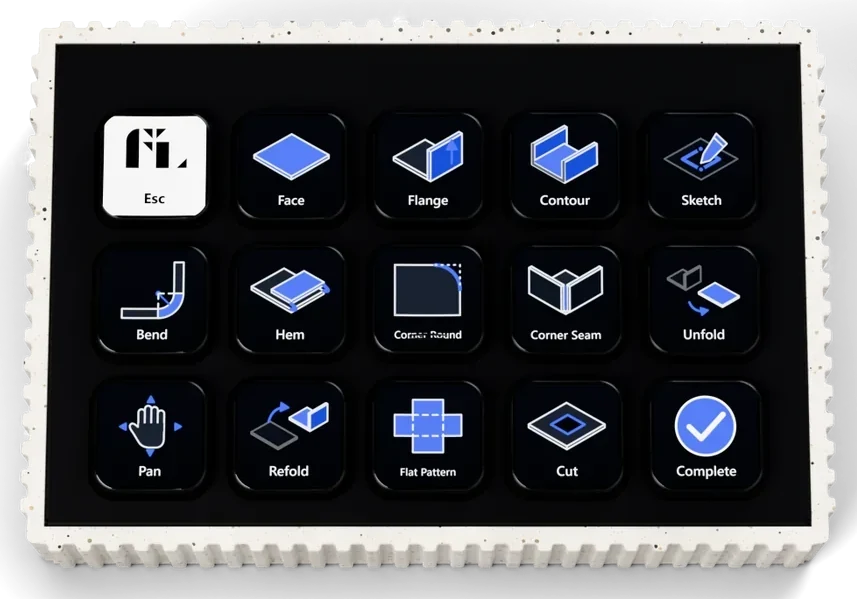
Not just CAD. Every screen you work on.
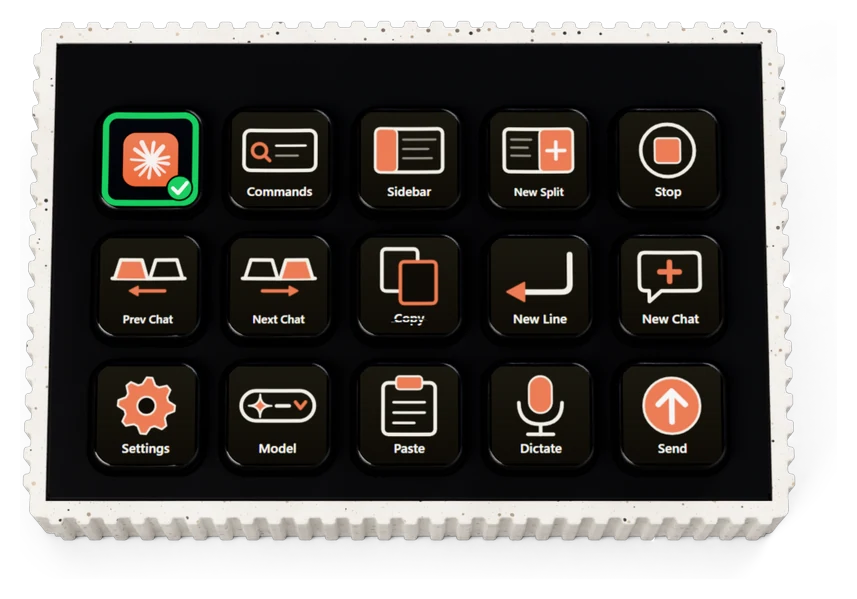
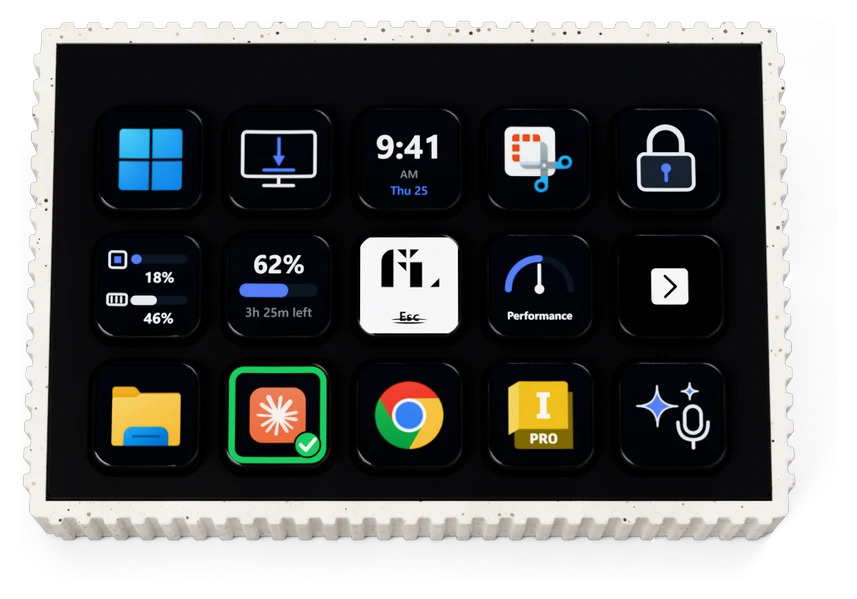
Switch to Chrome, Claude or your desktop, and the keys switch with you.
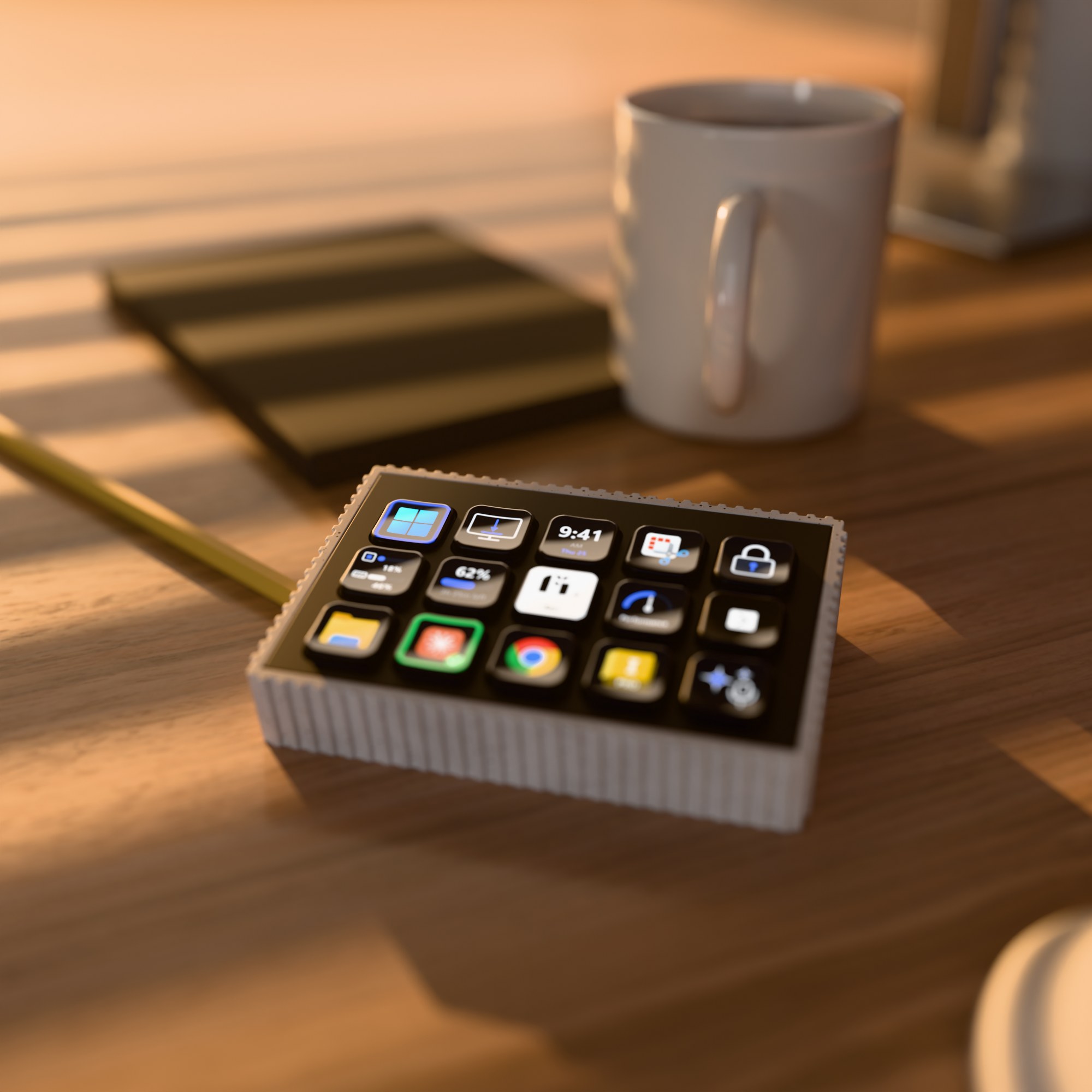
 Windows
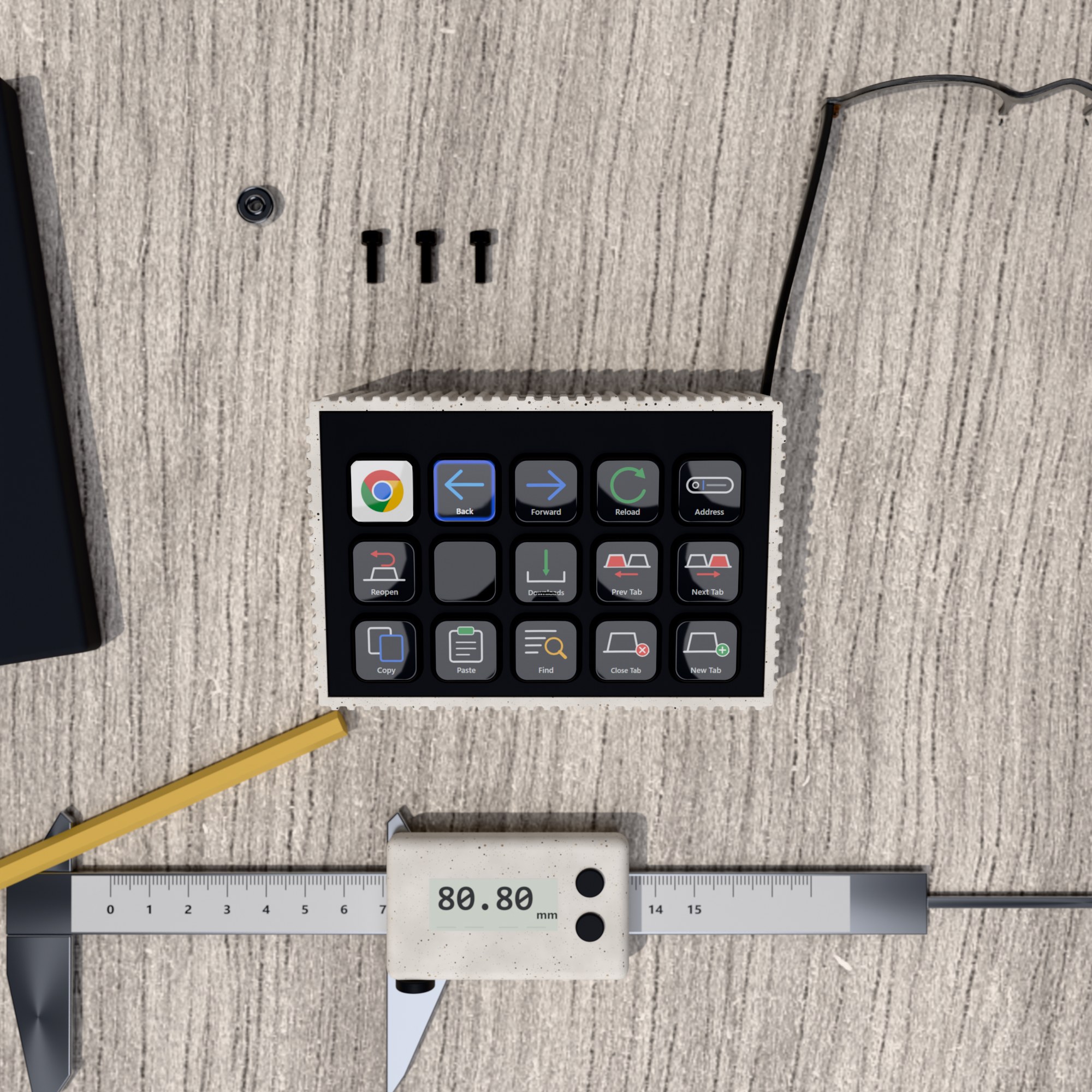
 Chrome
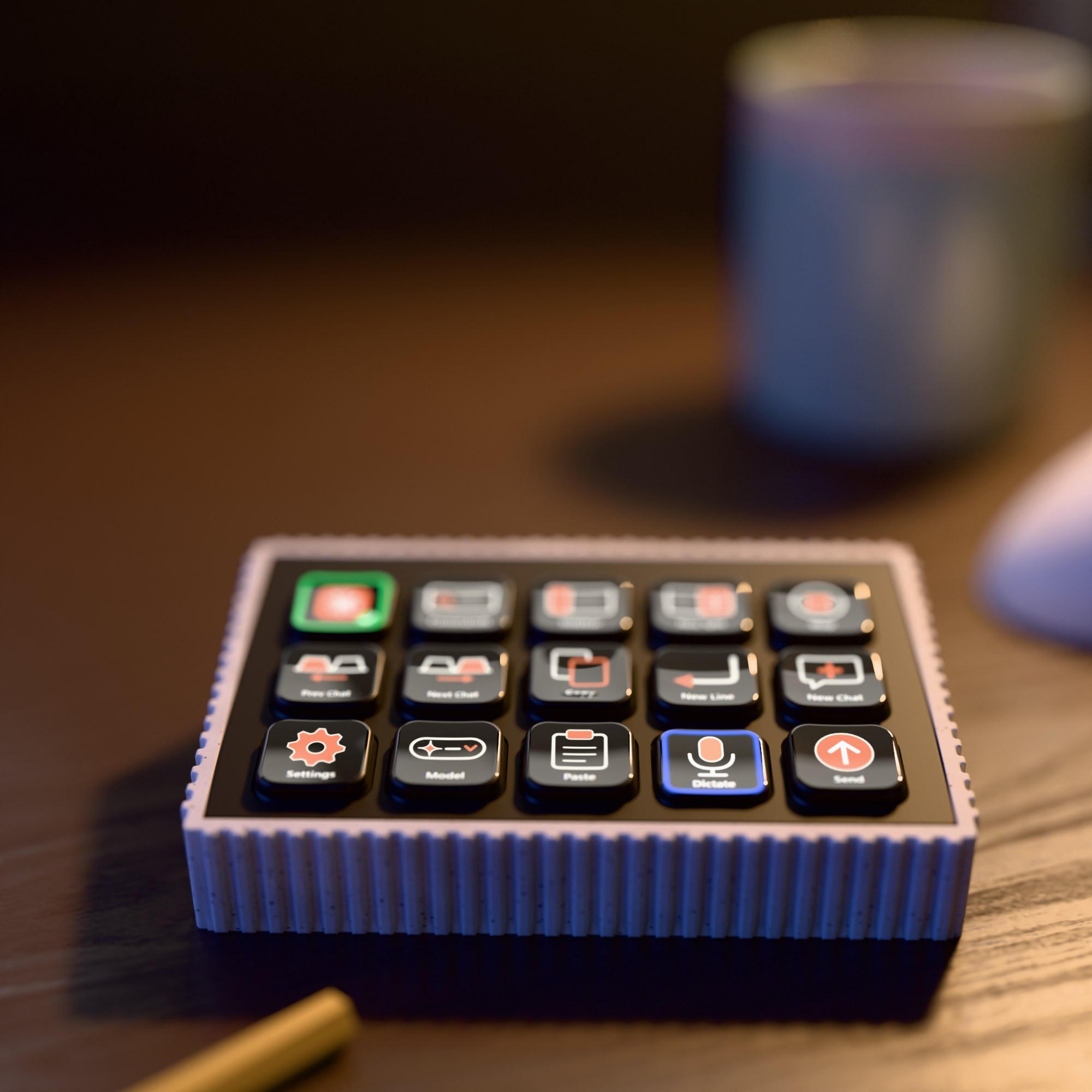
 Claude
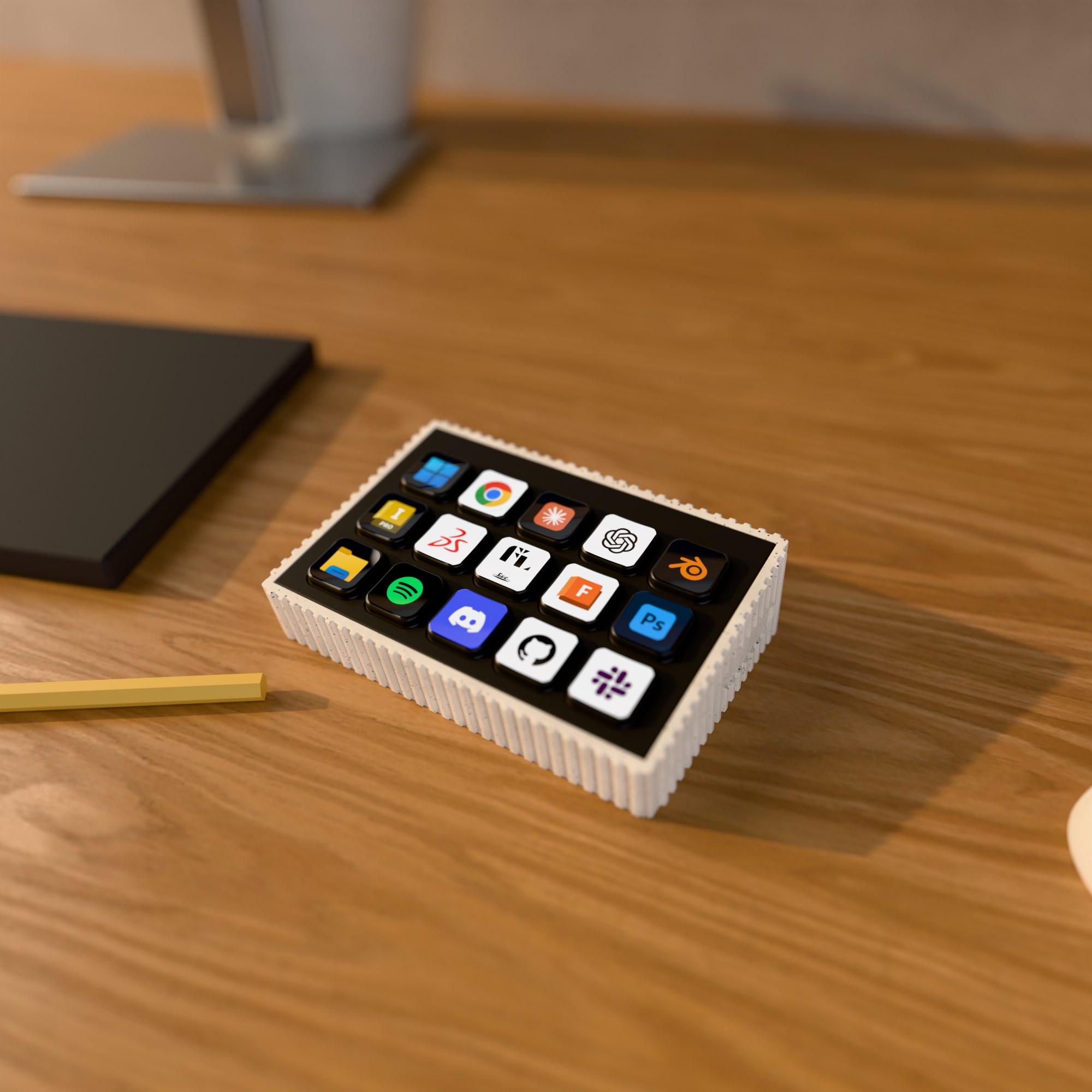


 Any app
Your desktop, one press away.
Browse without the shortcuts.
Talk to Claude from the keys.
One keyboard, every window.
 More from FixtureLabs
The whole bench. On your desk and on your screen.
On your desk
Hardware in the same marble.
Measure
Caliper
Measure the real part.
Coming soonModel
Keyboard
Keys that change with your CAD.
You’re hereModel
Mouse
For long modelling sessions.
Coming soonThe details.
15live LCD keys
10°built-in wedge
113.5 mmwide, 80.8 mm deep
1USB-C cable
Size
113.5 × 80.8 mm
18 to 31.8 mm tall
Keys
15 LCD keys, 72 × 72 px
Every one customisable
Body
3D printed marble PLA
Fluted sides, 10° wedge
Connection
USB-C, powered by the cable
Works with
Inventor, SOLIDWORKS, Fusion 360
Windows 10 or later
In the box
Keyboard, USB-C cable,
quick start card
Questions? Answers.
Something else? Ask us. A person replies, not a bot.
How long does setup take?
About five minutes. Plug the keyboard into your computer, or a powered hub, install the Stream Deck app and DeckSwitch, and open your CAD. The keys light up for whatever you're working on.
What software do I need?
Two free downloads: the Stream Deck app and DeckSwitch, our plugin for it. No subscription, nothing else to buy.
How does it know where I am in CAD?
DeckSwitch follows the active document and environment. Start a sketch, open an assembly or switch to a drawing, and the matching layout appears straight away.
What happens when I leave CAD?
The keys come with you. Your desktop, Chrome and Claude each have a layout, and you can add one for any app. Click back into CAD and your modelling keys return.
Can I change what the keys do?
Every key. Move them, swap icons, record shortcuts or build new pages in the Stream Deck app. Big environments already have extra pages, like a full page of sketch constraints and a numpad for typing values.
How is it different from the FixtureLabs Plugin?
They're separate and each works on its own. The keyboard puts your commands on keys. The FixtureLabs Plugin is a tutor inside your CAD that cleans up your part and answers questions about it.
Does every keyboard look the same?
The shape does. The marble doesn't. Every enclosure is printed in marble PLA, so the speckle on yours is one of a kind.
When can I buy one?
The first batch sold out. Tap Notify me and we'll send one email when the next batch is ready. Every keyboard comes with a 12-month limited warranty.
Be first for the next batch.
$149.99. Sold out for now. One email when it's back.
You're on the list.